
Step-by-step Behemoth setup
Build the Behemoth Altar
Place and finish construction of the Behemoth Altar in your territory.
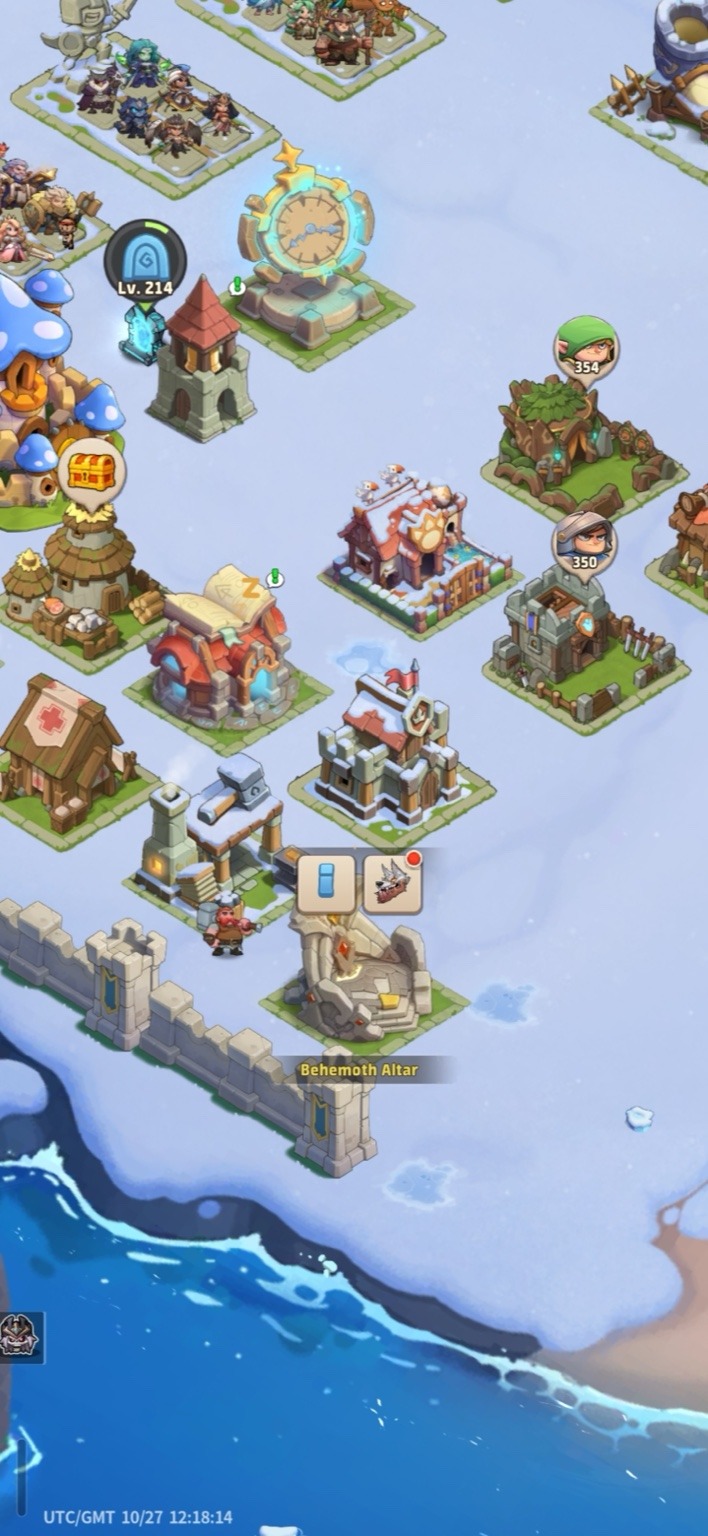
Claim Tickets and Crystals
Open Mail and collect the tickets and crystals used to unlock and level Guardian Behemoths.
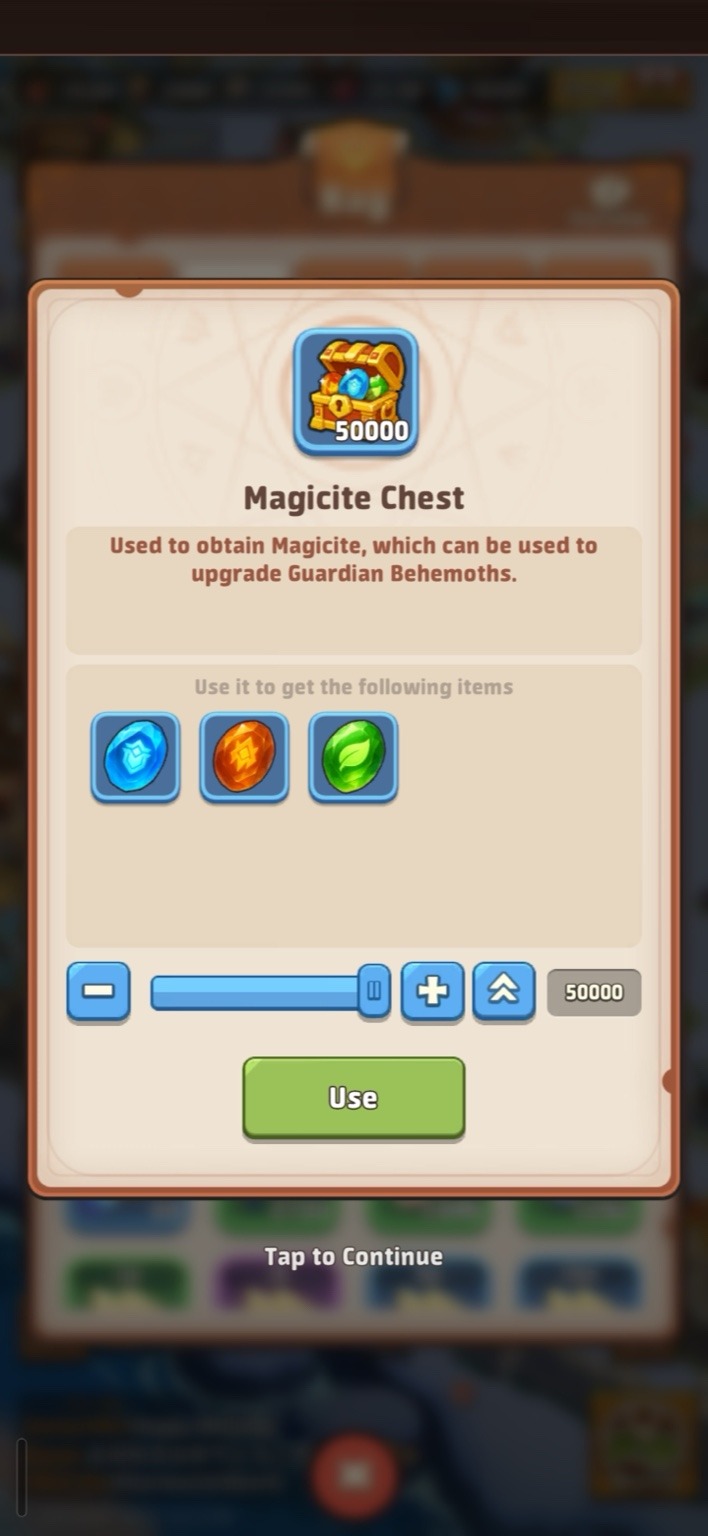
Open the Crystal Chest
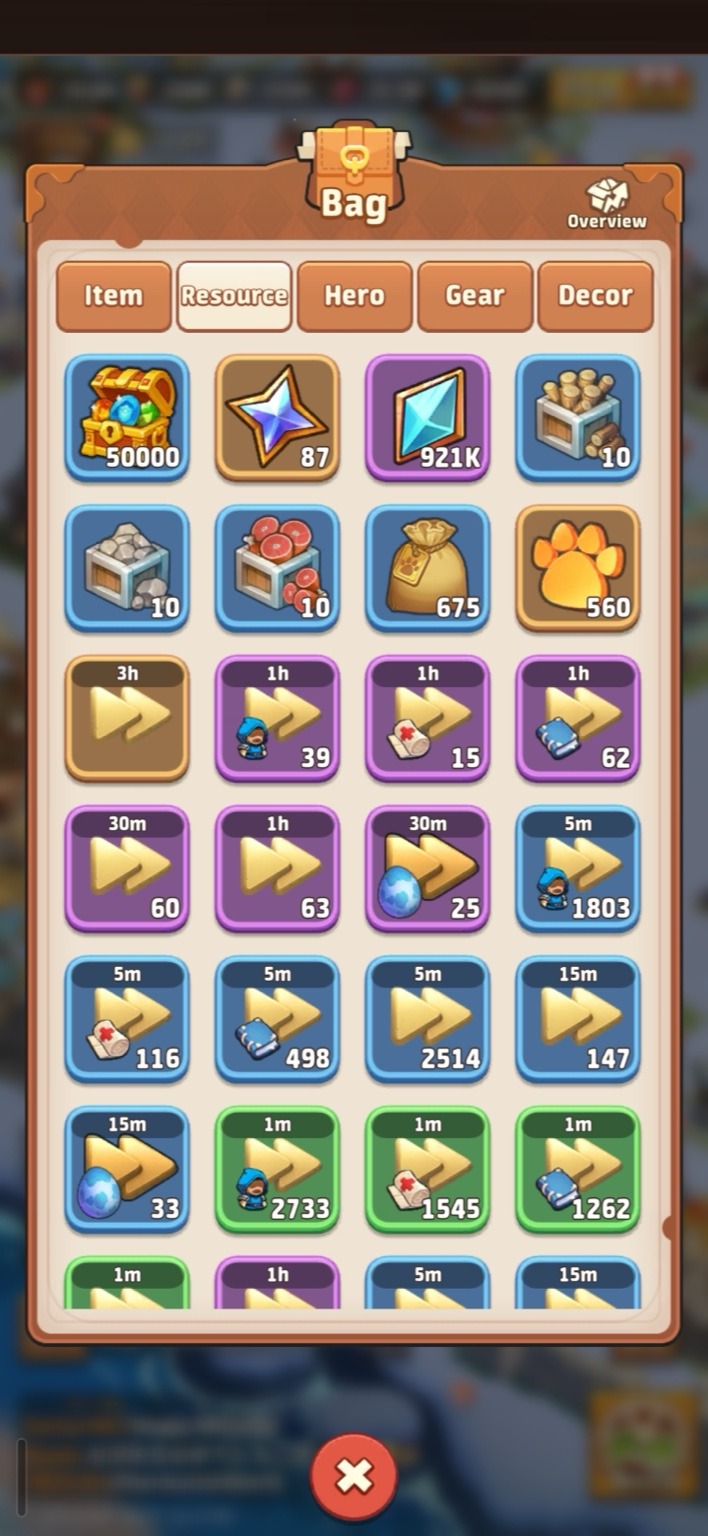
Go to Bag, open the Magicite Chest, and collect the crystals for your first levels.
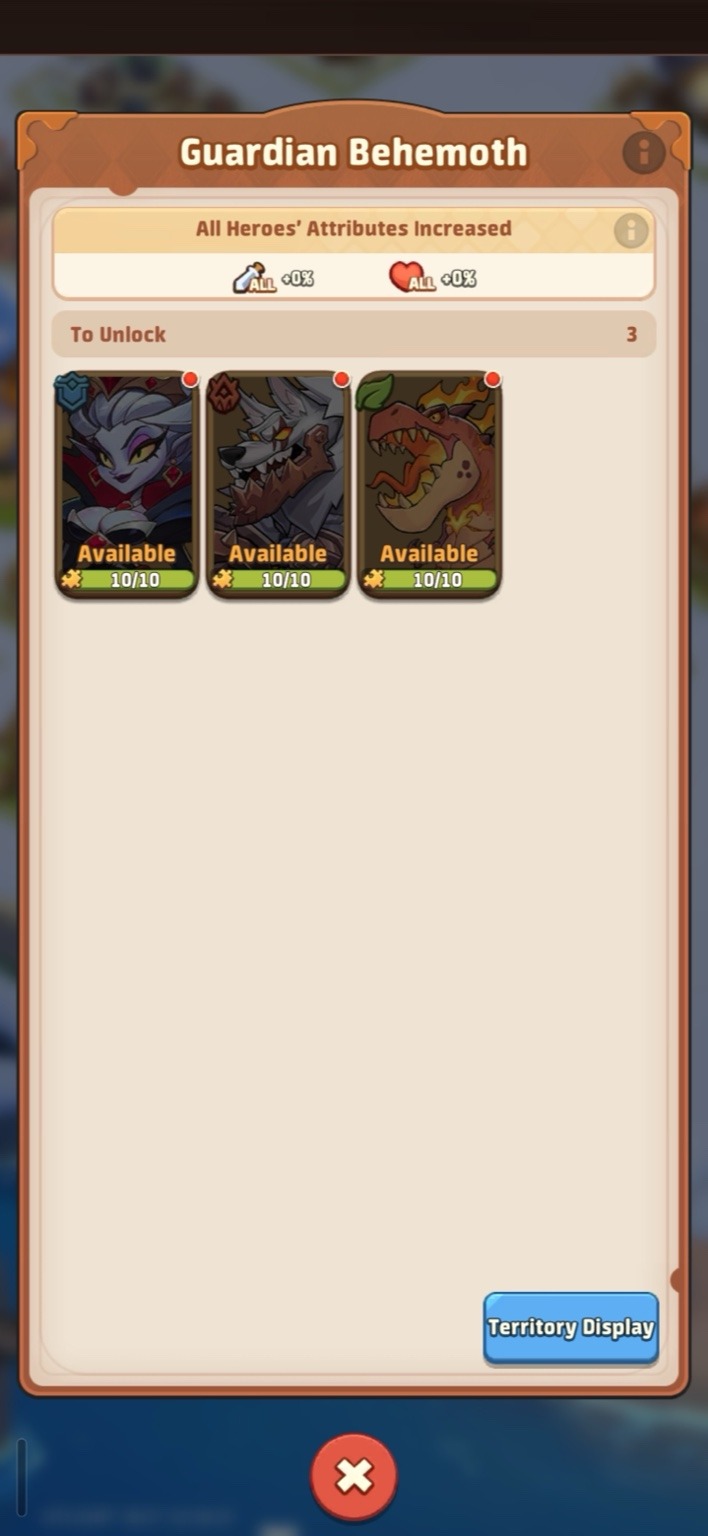
Pick a Behemoth to Unlock
At the Behemoth Altar, choose any Guardian. The starting tickets are enough to unlock all three over time.
Spend 10 Tickets to Unlock
Use 10 tickets to activate the Guardian you want first.
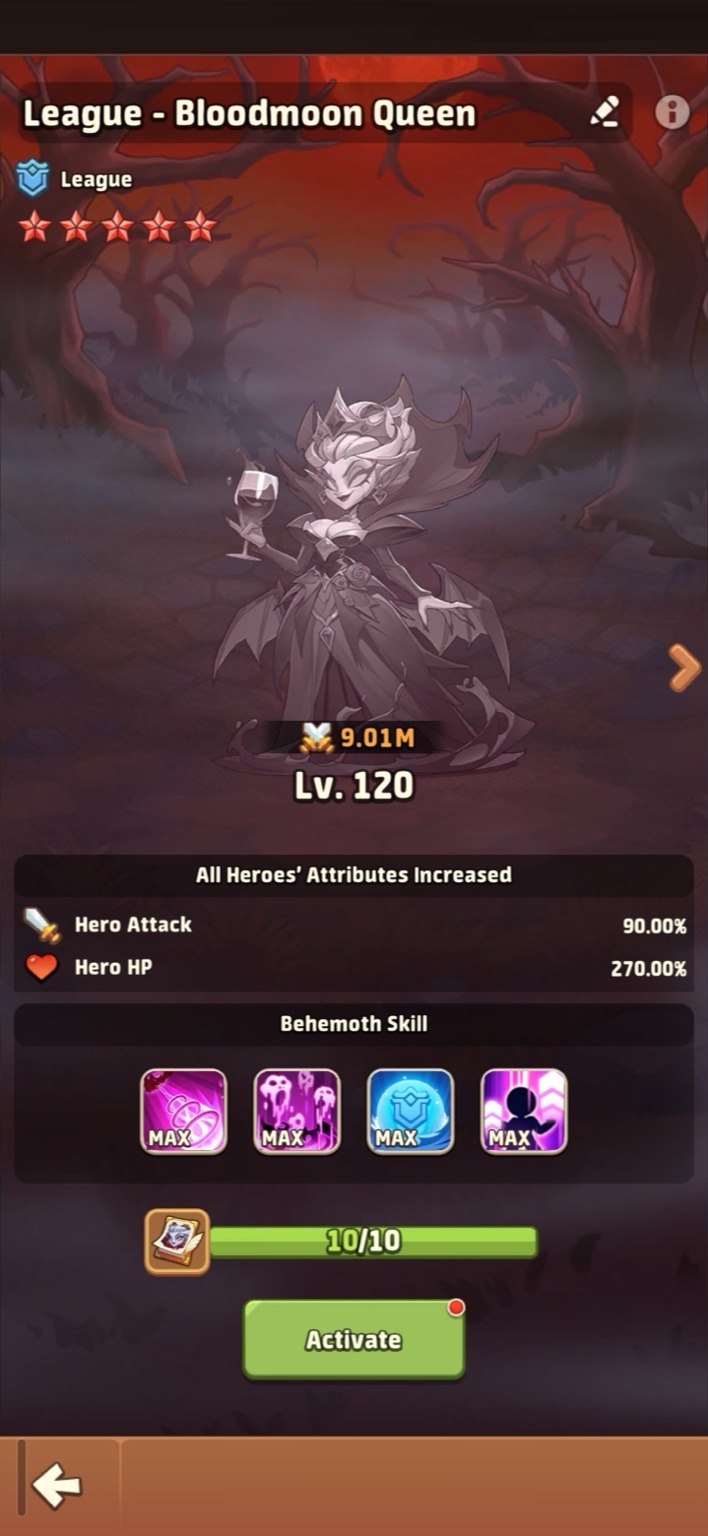
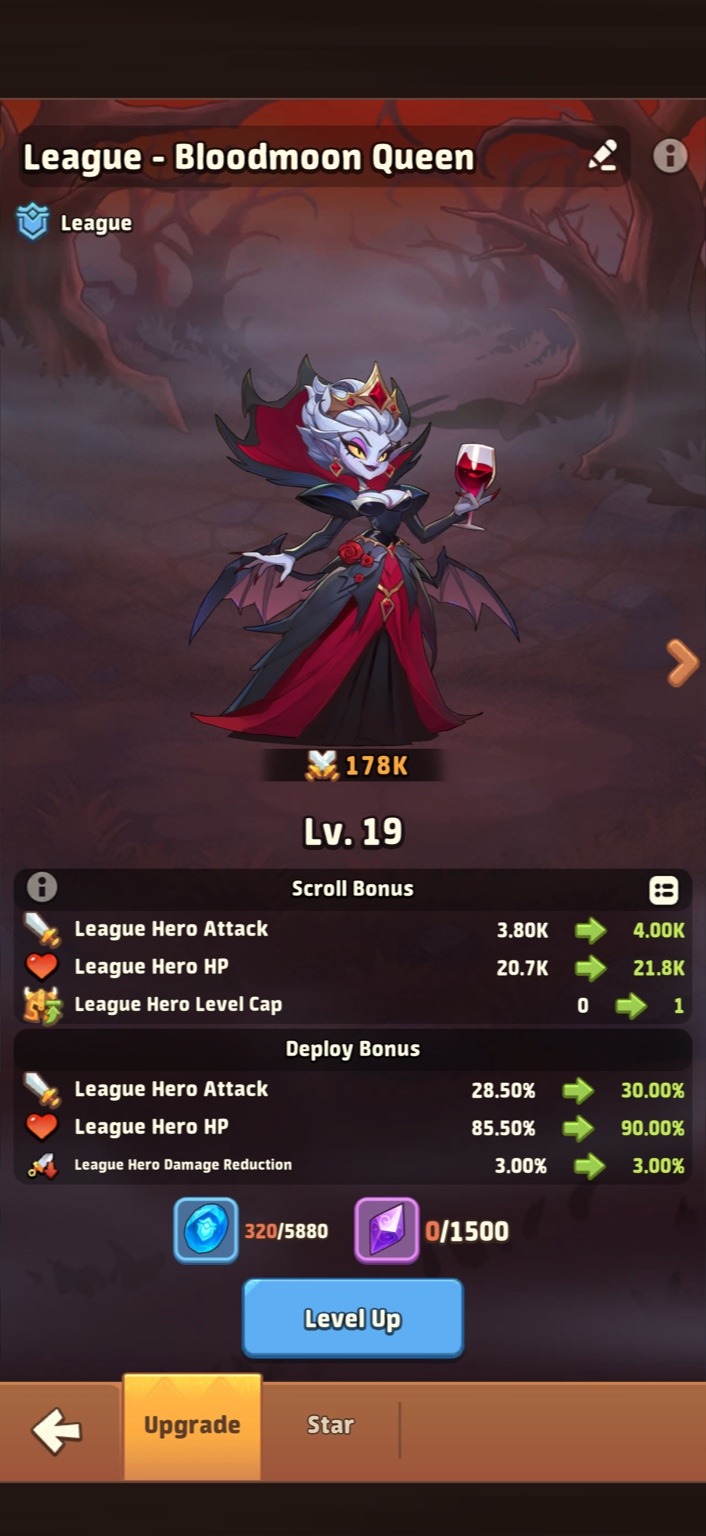
Level with Crystals
Use your crystals to bring the Behemoth up to roughly level 19.
Assign It to a Queue
Open your hero queue, assign the Behemoth, and make sure the faction matches. One Behemoth can support one queue at a time.
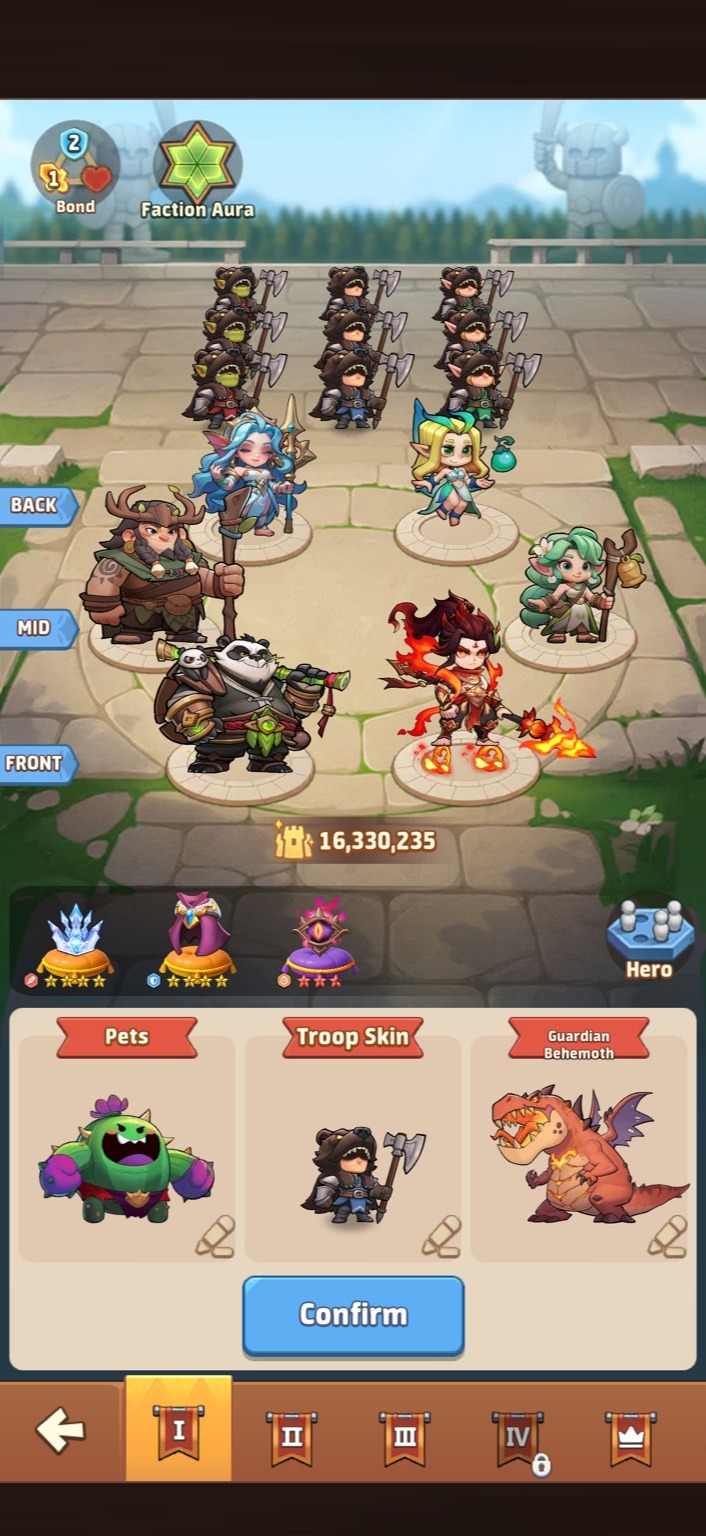
Use your first Guardian cleanly
Do not spread early Behemoth value across unfinished teams. Assign it where it supports your strongest faction queue.
Unlocking the Guardian is not enough. Open the queue screen and confirm the Behemoth is actively assigned.
Once the first setup is done, use the full Behemoth guide for Magicite, Covenant Seal, and Mine Vein planning.